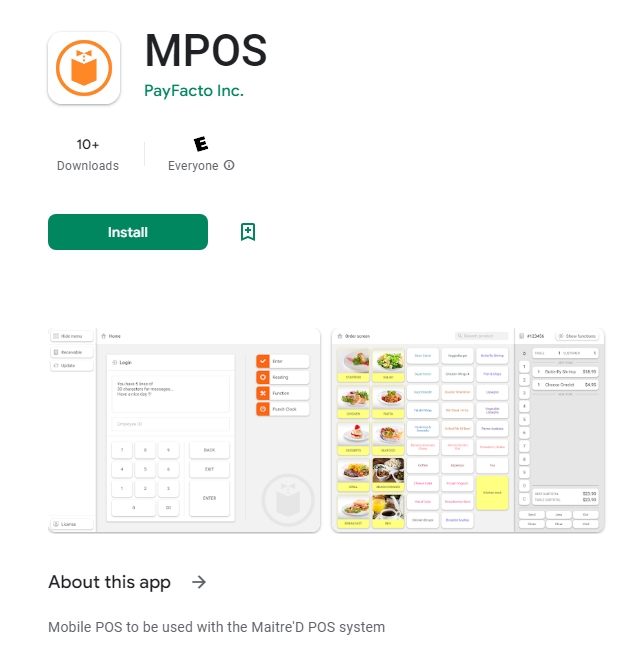
The Maitre'D Mobile POS (MPOS) application is available on Google Play.
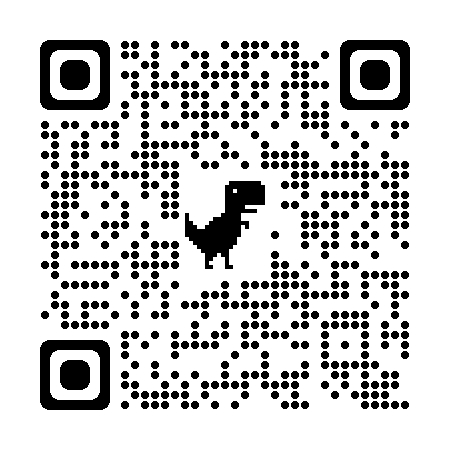
From your Android device, you may search for the application manually on Google Play, or use the link or QR code provided below.
From the MPOS application page on Google Play, simply press the green Install button.
From the MPOS application page on Google Play, press the green Open button.
You may also use the icon in your installed apps:
Related Topics